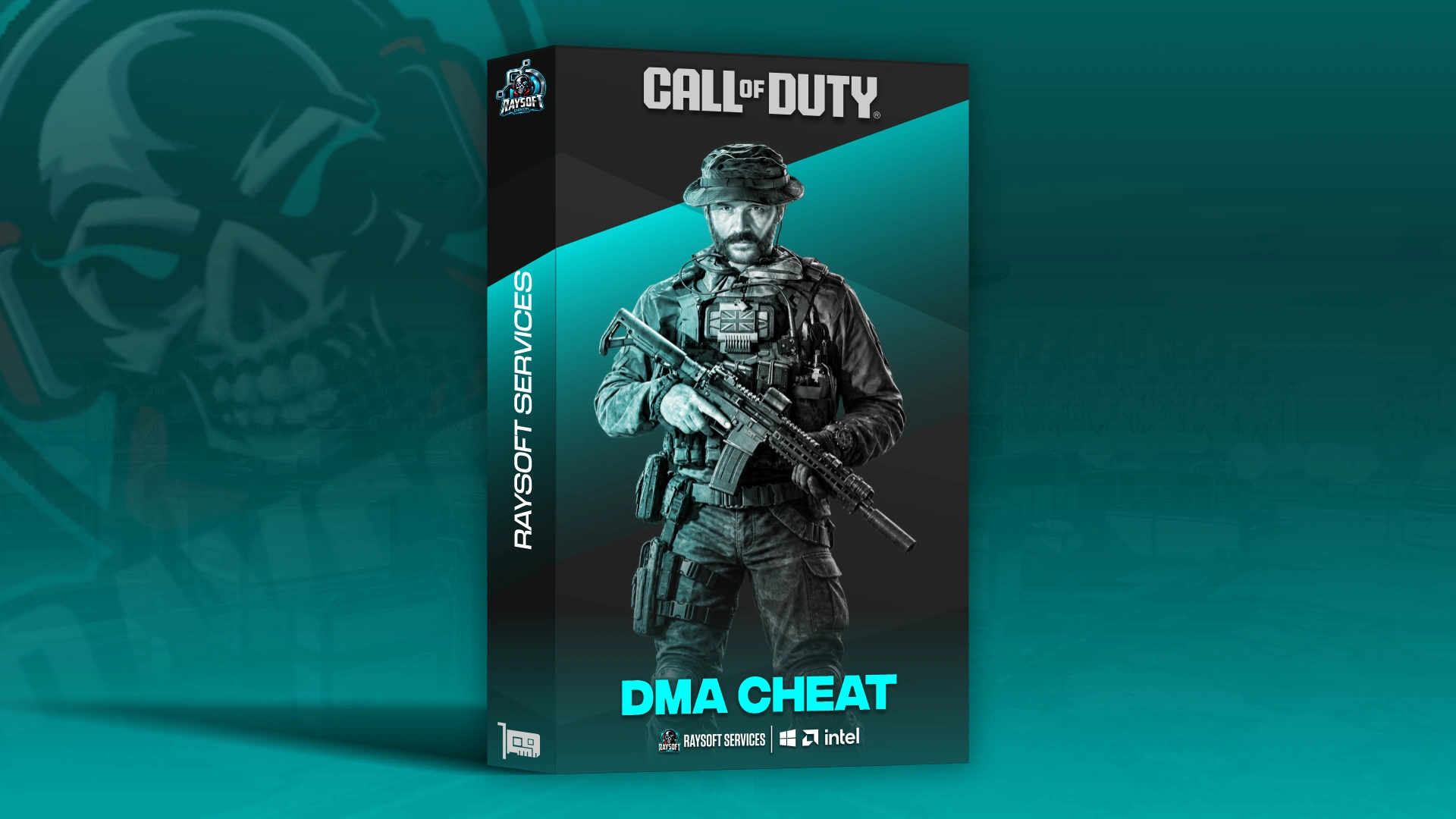
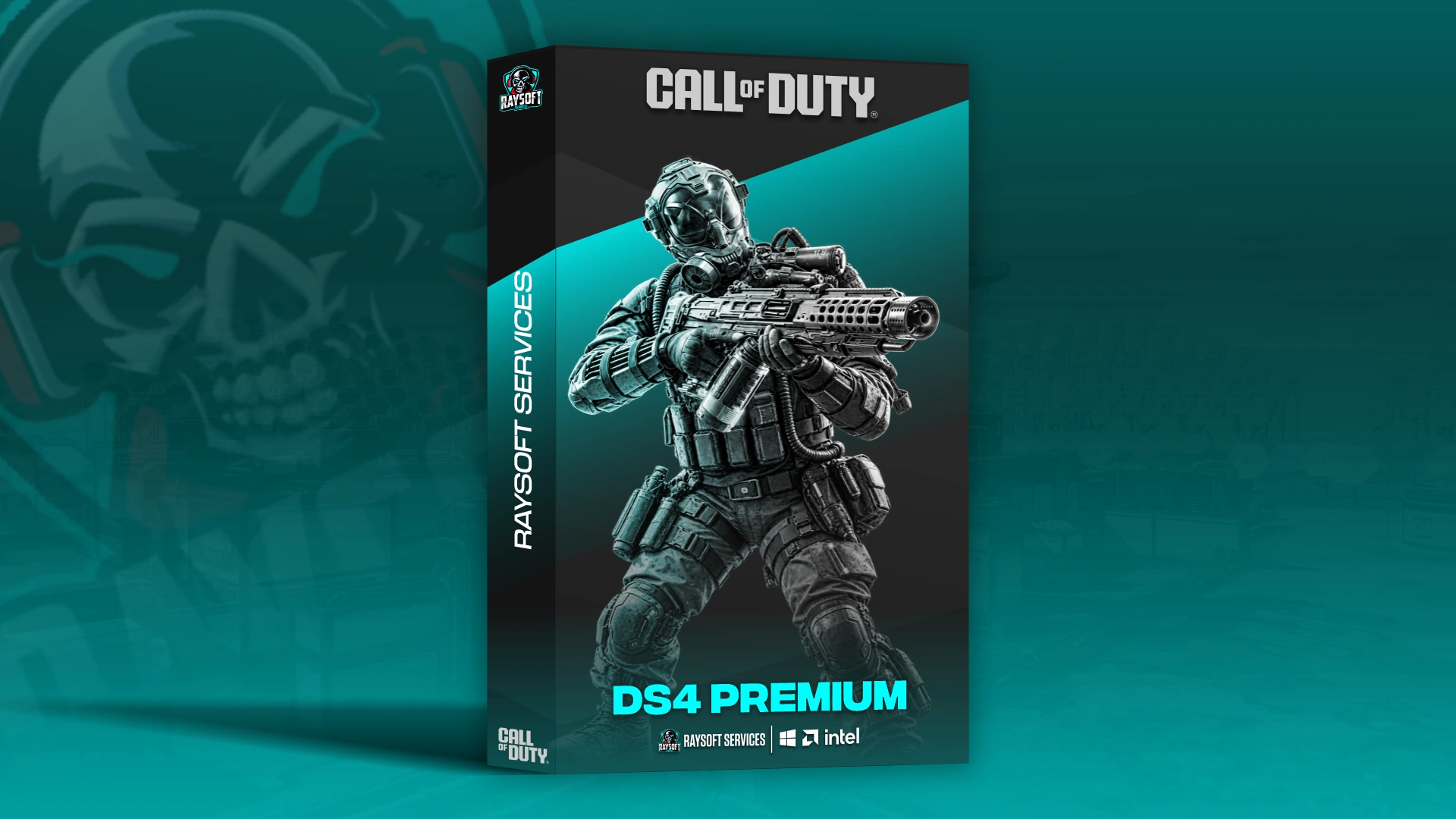
DS4 + IA — Call of Duty
🚨 ATENCIÓN — INFORMACIÓN IMPORTANTE
- La venta es 100% automática. Después del pago recibirás la licencia y toda la información necesaria para usar el producto.
- La compra incluye una guía paso a paso, el programa y una licencia para la duración seleccionada.
- Recomendamos que compruebes el estado del producto antes de realizar la compra. No se realizan reembolsos si compras un producto que se encuentra actualizándose.
- Esta licencia corresponde a Call of Duty.
- Incluye los modos Warzone y Black Ops 7 Multiplayer, además de Modern Warfare 4 Multiplayer en beta.
- Audio Pro es opcional: puedes añadirlo al comprar y tendrá la misma duración que la licencia seleccionada.
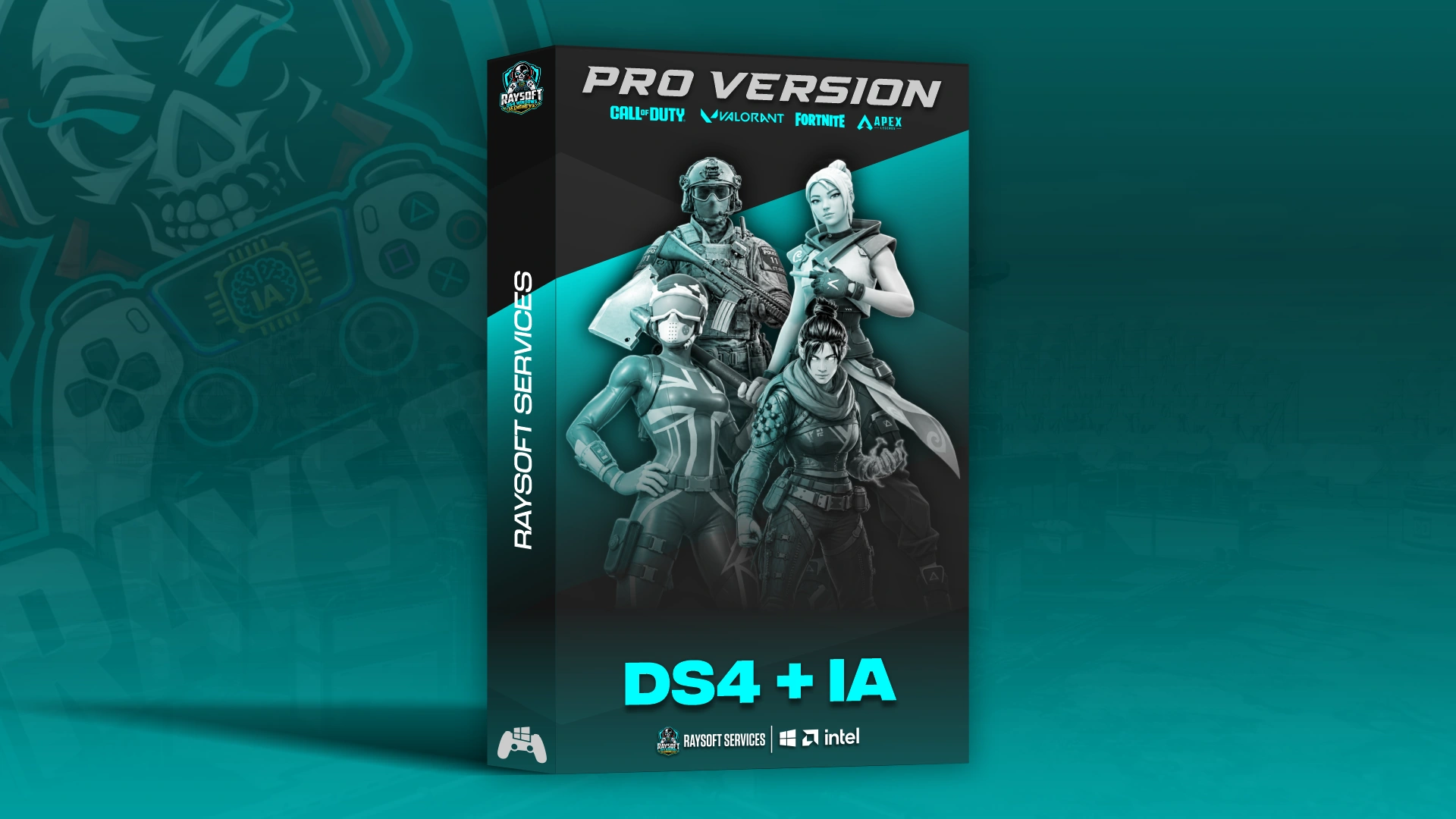
- Si quieres acceso a todos los juegos y Audio Pro incluido, elige DS4 + IA PRO.
🎮 RAYSOFT DS4 + IA — CALL OF DUTY
Tu puntería. Tu configuración. Tu forma de jugar.
Lleva tu experiencia en Call of Duty al siguiente nivel con Raysoft DS4 IA Engine V3: nuestro sistema de asistencia de apuntado mediante inteligencia artificial, con anti-recoil configurable, automatizaciones y perfiles personalizados.
Ajusta la potencia, la suavidad y el comportamiento del motor para encontrar la configuración que encaje contigo. Juega con mando, teclado y ratón o utiliza nuestro modo de mando emulado.
🧠 ¿QUÉ ES DS4 + IA?
Una IA propia de Raysoft, diseñada para que tú controles cómo te ayuda.
Nuestro motor analiza la imagen de la pantalla y permite personalizar la asistencia de apuntado: desde su fuerza y suavidad hasta la zona del objetivo, el área de detección y la transición entre enemigos.
Su funcionamiento es externo: no inyectamos el programa en el juego ni leemos o modificamos su memoria.
Todo se gestiona desde una interfaz organizada por apartados, con ayuda integrada, perfiles guardados y controles configurables.
🖥️ COMPATIBILIDAD
- ✅ Juegos: Call of Duty Warzone, Black Ops 7 Multiplayer y Modern Warfare 4 Multiplayer en beta.
- ✅ Plataformas de PC: Steam, Battle.net y Xbox Game Pass.
- ✅ Sistema operativo: Windows 10 Home/Pro y Windows 11 Home/Pro.
- ✅ Mando: DualSense, DualShock 4, SCUF, Xbox y otros mandos compatibles.
- ✅ Teclado y ratón: modo de control propio.
- ✅ Mando emulado — BETA: juega con teclado y ratón mientras el juego recibe la entrada de un mando Xbox, con teclas configurables.
- ✅ Varios monitores: selecciona la pantalla en la que juegas para que la IA analice la correcta.
- ✅ Idiomas del programa: español, inglés y francés.
- ✅ Aceleración NVIDIA opcional: disponible para equipos compatibles, con motor estándar como alternativa.
⚙️ FUNCIONES DE CALL OF DUTY
Las funciones pueden variar ligeramente según la versión del juego.
🎯 PUNTERÍA CON INTELIGENCIA ARTIFICIAL
- Potencia ajustable: regula la intensidad de la asistencia.
- Suavidad del movimiento: adapta la respuesta del motor a tu estilo.
- Suavidad de enganche: personaliza cómo se adquiere el objetivo.
- FOV configurable: ajusta el área en la que actúa la asistencia.
- FOV dinámico: utiliza un segundo FOV al apuntar.
- Zona del objetivo: elige dónde quieres que te ayude la IA, como cabeza, cuello, pecho, cadera o piernas.
- Engine Delay: configura la transición entre objetivos.
- Activación personalizable: elige si la asistencia actúa al apuntar o al disparar.
🔍 FILTRADO DE OBJETIVOS
- Fiabilidad mínima: ajusta el umbral de confianza de las detecciones.
- Control de movimientos rápidos: configura el filtrado ante giros bruscos de cámara.
- Mantenimiento del objetivo: personaliza el comportamiento sobre el enemigo seleccionado.
- Nuevos objetivos: ajusta la respuesta ante objetivos que aparecen en pantalla.
- Restablecimiento rápido: recupera los valores originales del apartado.
🔫 ANTI-RECOIL PERSONALIZADO
- Compensación vertical y lateral regulables por separado.
- Perfiles por arma: crea, renombra y elimina tus configuraciones.
- Cambio de perfil con un botón, sin reajustar cada arma desde cero.
- Botón de disparo configurable.
- Activación combinada: permite exigir un segundo botón mientras disparas.
- Modo continuo durante el disparo.
- Activación y desactivación desde el programa.
⚡ AUTOMATIZACIONES Y MOVIMIENTO
- Bunny Hop: encadena saltos al mantener pulsado el botón, con intervalo ajustable.
- Auto Ping: marca automáticamente el objetivo fijado, con botones, retardo y pausa entre marcaciones configurables.
- Rapid Fire: repite disparos mientras mantienes el control asignado.
- Control de Rapid Fire: configura su intervalo, botón de activación y estado en pantalla.
- Weapon Swap / YY: automatiza la secuencia de cambio de arma con controles y tiempos personalizables.
- Slide Sequence: configura una secuencia para retomar el sprint después de deslizarte.
🚀 RENDIMIENTO DEL MOTOR
- Prioridad de detección en la GPU.
- Aceleración NVIDIA mediante TensorRT en equipos compatibles.
- Instalación guiada de la aceleración, con descarga automática de sus componentes.
- Comprobación de compatibilidad antes de utilizarla.
- Motor estándar disponible como alternativa.
- Opción de retirar la aceleración desde el propio programa.
💾 PERFILES Y CONFIGURACIÓN
- Crea distintas configuraciones según tu forma de jugar.
- Duplica, renombra, restablece o elimina perfiles.
- Exporta e importa tu configuración.
- Consulta el perfil, juego y estado del motor desde el panel lateral.
- Inicia y detén el motor desde la interfaz.
- Accede a botones de ayuda dentro de cada apartado.
- Personaliza la tecla para mostrar u ocultar la ventana sobre el juego.
🖥️ OVERLAY Y RETRANSMISIÓN
- Visualización de las detecciones de la IA y del FOV.
- Overlay de Windows para mostrar la información del motor.
- Ocultación del overlay en OBS, Discord y aplicaciones de grabación, según el funcionamiento anunciado de la herramienta.
🎧 COMPLEMENTO OPCIONAL — AUDIO PRO
Personaliza también cómo escuchas el juego.
Audio Pro es nuestro programa de optimización de audio, diseñado para configurar el sonido de tu PC y dar prioridad a los elementos que quieres escuchar.
- Configuración en un clic.
- Hasta cinco niveles de ajuste para pasos, disparos y explosiones.
- Control de prioridades: decide qué sonidos quieres potenciar.
- Ecualizador manual para usuarios que prefieren ajustar el resultado con más detalle.
Puedes añadirlo a tu licencia de Call of Duty mediante «Añadir Audio», con la misma duración seleccionada.
La licencia DS4 + IA PRO ya incluye Audio Pro.
📌 INFORMACIÓN ADICIONAL
- Esta versión proporciona acceso a los modos de Call of Duty indicados.
- Los modos de Fortnite, Apex Legends y Valorant se ofrecen mediante sus licencias individuales o la licencia PRO.
- Las opciones identificadas como beta continúan en desarrollo.
- Para instalación, configuración o dudas sobre compatibilidad, consulta nuestras instrucciones o abre un ticket en el Discord de Raysoft.
🚨 ATTENTION — IMPORTANT INFORMATION
- The sale is 100% automatic. After payment, you will receive your license and all the information needed to use the product.
- Your purchase includes a step-by-step guide, the program and a license for the selected duration.
- We recommend checking the product status before purchasing. No refunds are issued if you purchase a product that is being updated.
- This license is for Call of Duty.
- It includes Warzone and Black Ops 7 Multiplayer, as well as Modern Warfare 4 Multiplayer in beta.
- Audio Pro is optional: you can add it at checkout, and it will have the same duration as the selected license.
- For access to all games with Audio Pro included, choose DS4 + IA PRO.
🎮 RAYSOFT DS4 + IA — CALL OF DUTY
Your aim. Your setup. Your way to play.
Take your Call of Duty experience to the next level with Raysoft DS4 IA Engine V3: our AI-powered aiming assistance system, with configurable anti-recoil, automations and custom profiles.
Adjust the power, smoothness and engine behavior to find the setup that suits you. Play with a controller, keyboard and mouse, or use our emulated controller mode.
🧠 WHAT IS DS4 + IA?
Raysoft's own AI, designed to put you in control of how it helps you.
Our engine analyzes the image on your screen and lets you customize aiming assistance: from its strength and smoothness to the target area, detection zone and transitions between enemies.
It operates externally: we do not inject the program into the game or read or modify its memory.
Everything is managed through an interface organized into sections, with built-in help, saved profiles and configurable controls.
🖥️ COMPATIBILITY
- ✅ Games: Call of Duty Warzone, Black Ops 7 Multiplayer and Modern Warfare 4 Multiplayer in beta.
- ✅ PC platforms: Steam, Battle.net and Xbox Game Pass.
- ✅ Operating system: Windows 10 Home/Pro and Windows 11 Home/Pro.
- ✅ Controller: DualSense, DualShock 4, SCUF, Xbox and other compatible controllers.
- ✅ Keyboard and mouse: dedicated control mode.
- ✅ Emulated controller — BETA: play with keyboard and mouse while the game receives Xbox controller input, with configurable keys.
- ✅ Multiple monitors: select the screen you play on so the AI analyzes the correct one.
- ✅ Program languages: Spanish, English and French.
- ✅ Optional NVIDIA acceleration: available for compatible systems, with the standard engine as an alternative.
⚙️ CALL OF DUTY FEATURES
Features may vary slightly depending on the version of the game.
🎯 AI-POWERED AIMING
- Adjustable power: control the strength of the assistance.
- Movement smoothness: adapt the engine's response to your style.
- Target acquisition smoothness: customize how a target is acquired.
- Configurable FOV: adjust the area in which the assistance operates.
- Dynamic FOV: use a second FOV while aiming.
- Target area: choose where you want the AI to assist, such as the head, neck, chest, hips or legs.
- Engine Delay: configure transitions between targets.
- Customizable activation: choose whether the assistance works while aiming or firing.
🔍 TARGET FILTERING
- Minimum confidence: adjust the confidence threshold for detections.
- Fast movement control: configure filtering for sudden camera movements.
- Target retention: customize behavior on the selected enemy.
- New targets: adjust the response to targets appearing on screen.
- Quick reset: restore the section's original values.
🔫 CUSTOM ANTI-RECOIL
- Vertical and lateral compensation, adjustable separately.
- Weapon profiles: create, rename and delete your configurations.
- Switch profiles with a button, without configuring each weapon from scratch.
- Configurable fire button.
- Combined activation: optionally require a second button while firing.
- Continuous mode while firing.
- Enable and disable it from the program.
⚡ AUTOMATIONS AND MOVEMENT
- Bunny Hop: repeat jumps while holding the button, with an adjustable interval.
- Auto Ping: automatically mark the locked target, with configurable buttons, delay and pause between pings.
- Rapid Fire: repeat shots while holding the assigned control.
- Rapid Fire controls: configure its interval, activation button and on-screen status.
- Weapon Swap / YY: automate the weapon-switching sequence with customizable controls and timing.
- Slide Sequence: configure a sequence to resume sprinting after sliding.
🚀 ENGINE PERFORMANCE
- GPU detection priority.
- NVIDIA acceleration using TensorRT on compatible systems.
- Guided acceleration installation, with automatic component downloads.
- Compatibility check before use.
- Standard engine available as an alternative.
- Option to remove acceleration from within the program.
💾 PROFILES AND CONFIGURATION
- Create different configurations to suit how you play.
- Duplicate, rename, reset or delete profiles.
- Export and import your configuration.
- View the profile, game and engine status in the side panel.
- Start and stop the engine from the interface.
- Access help buttons within each section.
- Customize the key used to show or hide the window over the game.
🖥️ OVERLAY AND STREAMING
- Display AI detections and the FOV.
- Windows overlay to show engine information.
- Overlay hiding in OBS, Discord and recording applications, according to the tool's advertised functionality.
🎧 OPTIONAL ADD-ON — AUDIO PRO
Customize how you hear the game, too.
Audio Pro is our audio optimization program, designed to configure your PC's sound and prioritize the elements you want to hear.
- One-click setup.
- Up to five adjustment levels for footsteps, gunshots and explosions.
- Priority control: choose which sounds to enhance.
- Manual equalizer for users who prefer to fine-tune the result.
You can add it to your Call of Duty license through “Add Audio”, with the same selected duration.
The DS4 + IA PRO license already includes Audio Pro.
📌 ADDITIONAL INFORMATION
- This version provides access to the listed Call of Duty modes.
- Fortnite, Apex Legends and Valorant modes are offered through their individual licenses or the PRO license.
- Options labeled beta are still in development.
- For installation, setup or compatibility questions, check our instructions or open a ticket in the Raysoft Discord.
Automatic feedback after 7 days.
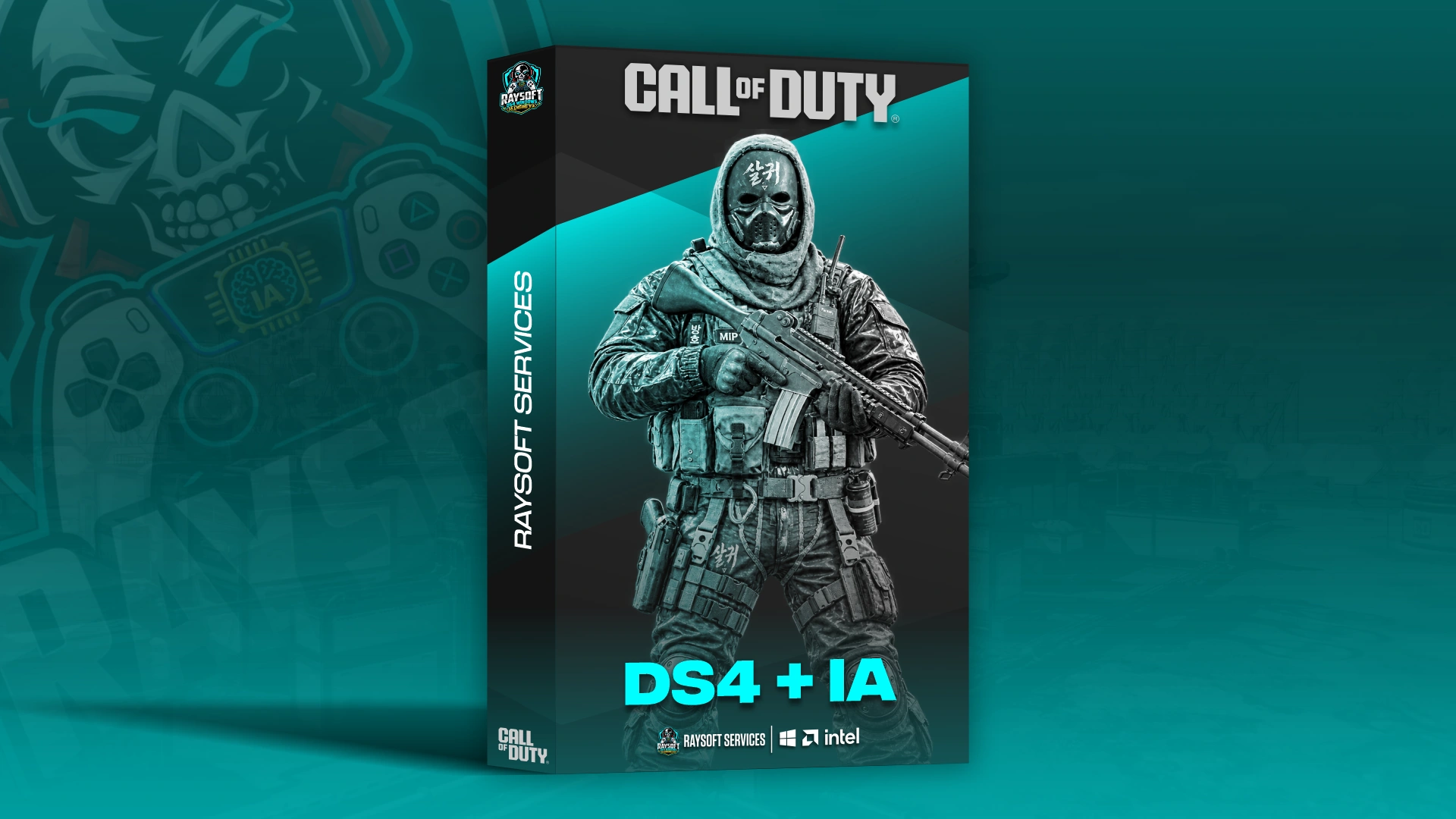
DS4 + IA — Call of Duty (Lifetime)
Automatic feedback after 7 days.
DS4 + IA — Call of Duty (Week)
Automatic feedback after 7 days.
DS4 + IA — Call of Duty (Week)
Automatic feedback after 7 days.
DS4 + IA — Call of Duty (Day)
1 person is currently viewing this product.





 Someone in IT purchased
DS4 + IA — Call of Duty
Verified
Someone in CO purchased
DS4 + IA — Call of Duty
Verified
Someone in ES purchased
DS4 + IA — Call of Duty
Verified
Someone in ES purchased
DS4 + IA — Call of Duty
Verified
Someone in MX purchased
DS4 + IA — Call of Duty
Verified
Someone in IT purchased
DS4 + IA — Call of Duty
Verified
Someone in CO purchased
DS4 + IA — Call of Duty
Verified
Someone in ES purchased
DS4 + IA — Call of Duty
Verified
Someone in ES purchased
DS4 + IA — Call of Duty
Verified
Someone in MX purchased
DS4 + IA — Call of Duty
Verified
Step 2
Sign in to Raysoft
Choose how to access your customer account.
Search products
Type a product name to explore the catalogue.
No products match your search. ↵